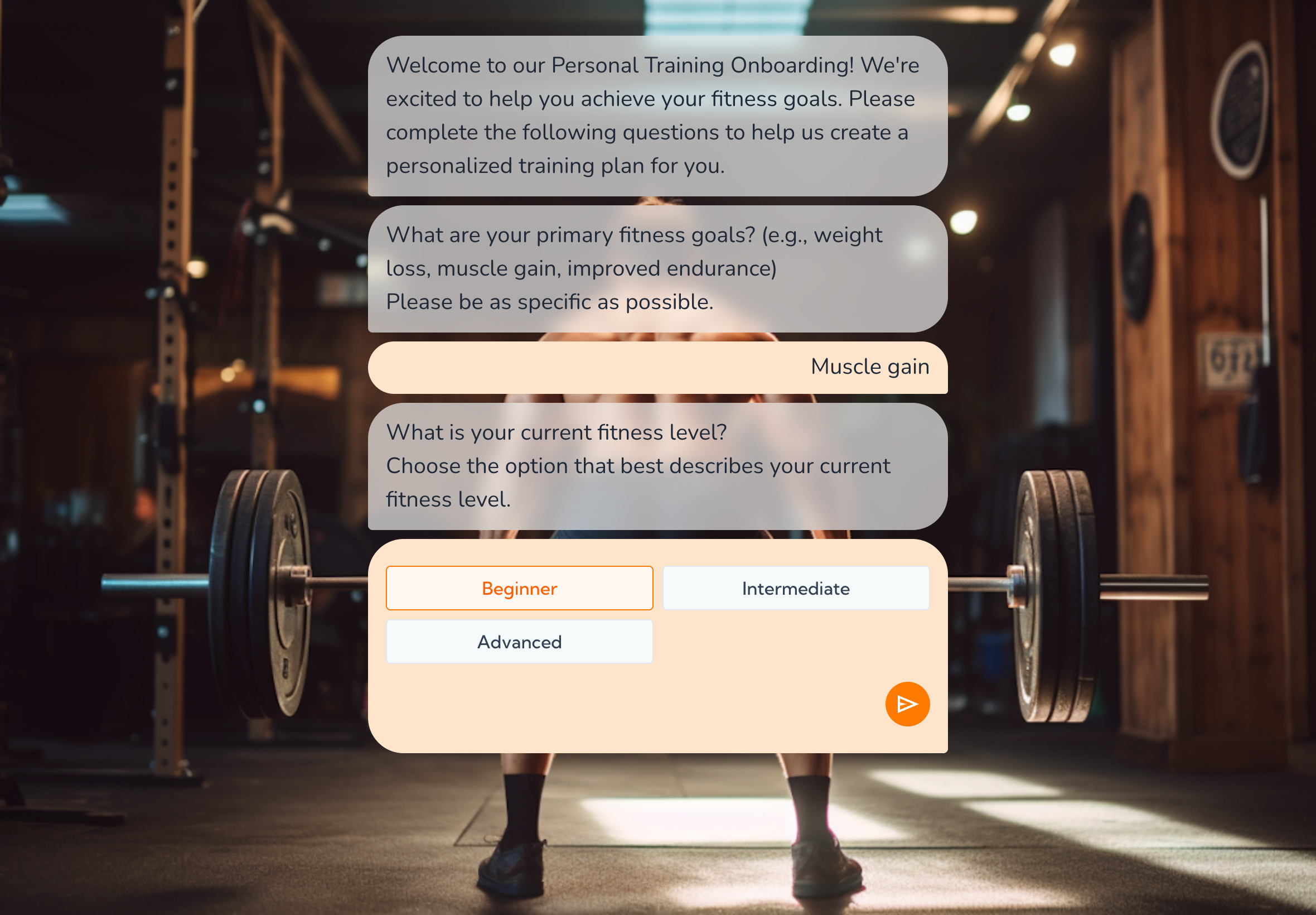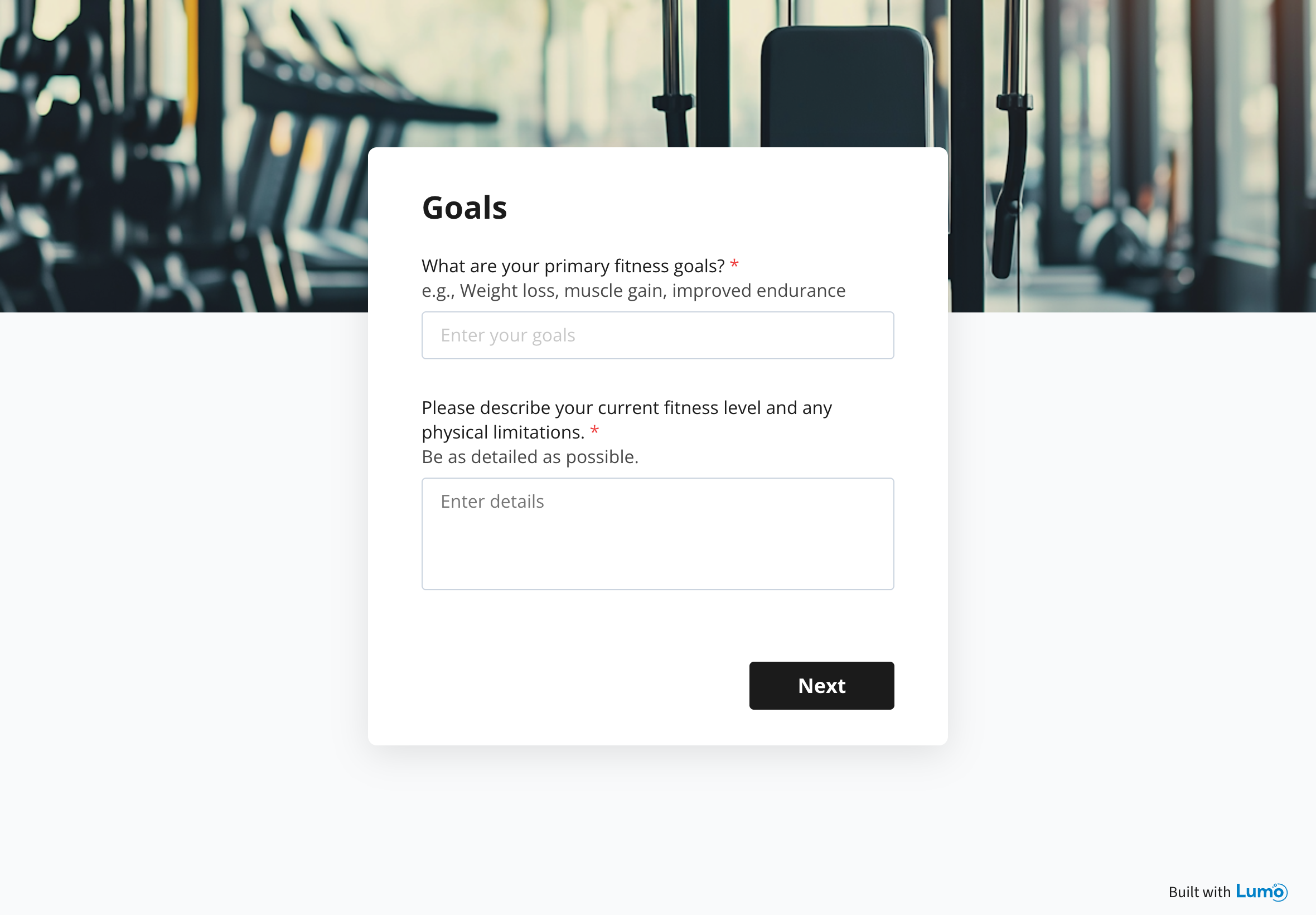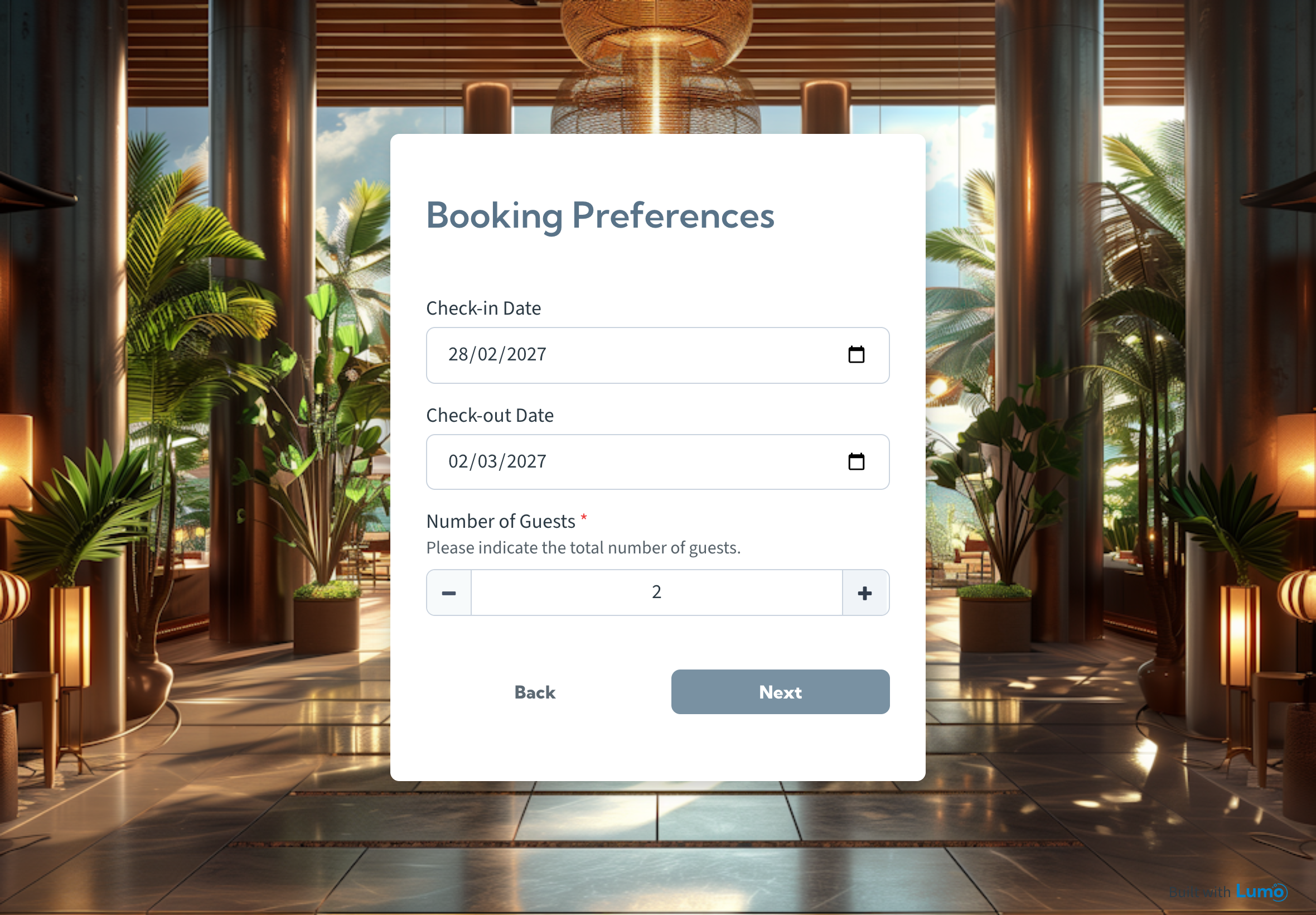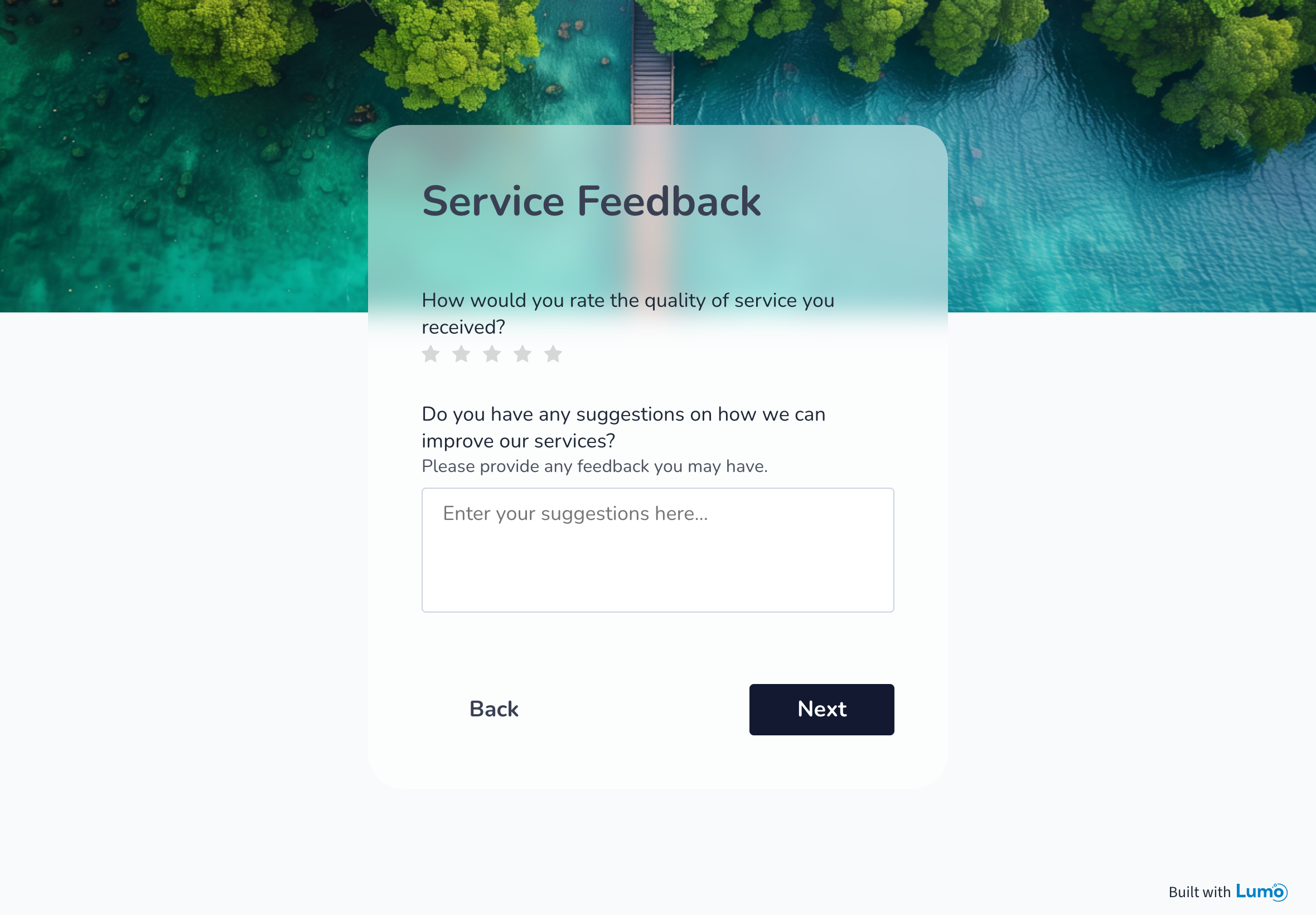
AI-powered pages & forms

Create digital experiences that convert

LumoPages AI turns your ideas into a professional multi-stage page in minutes. Collect responses with no coding, full design control, and flows built for lead capture, bookings, feedback, and registrations.
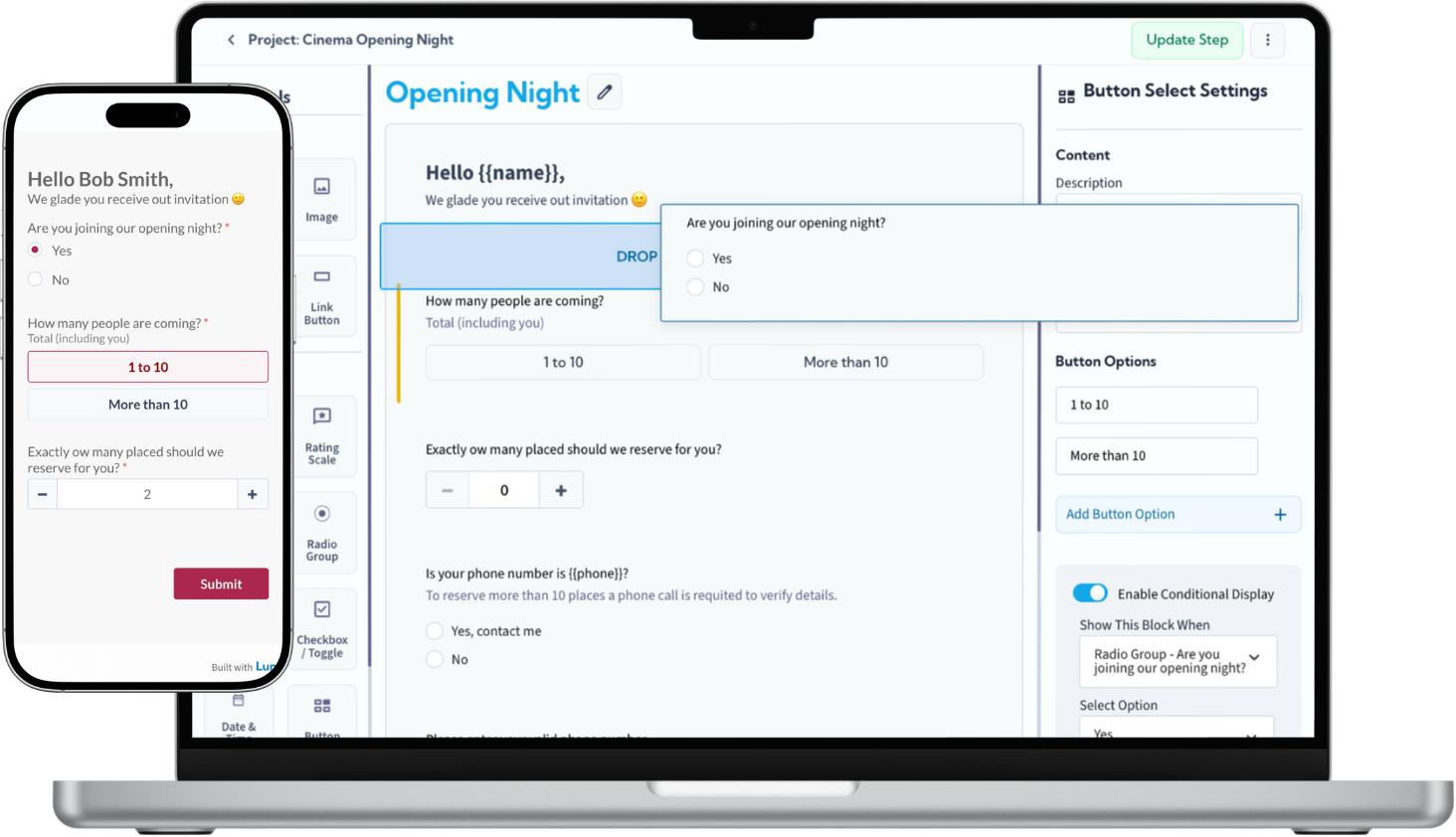
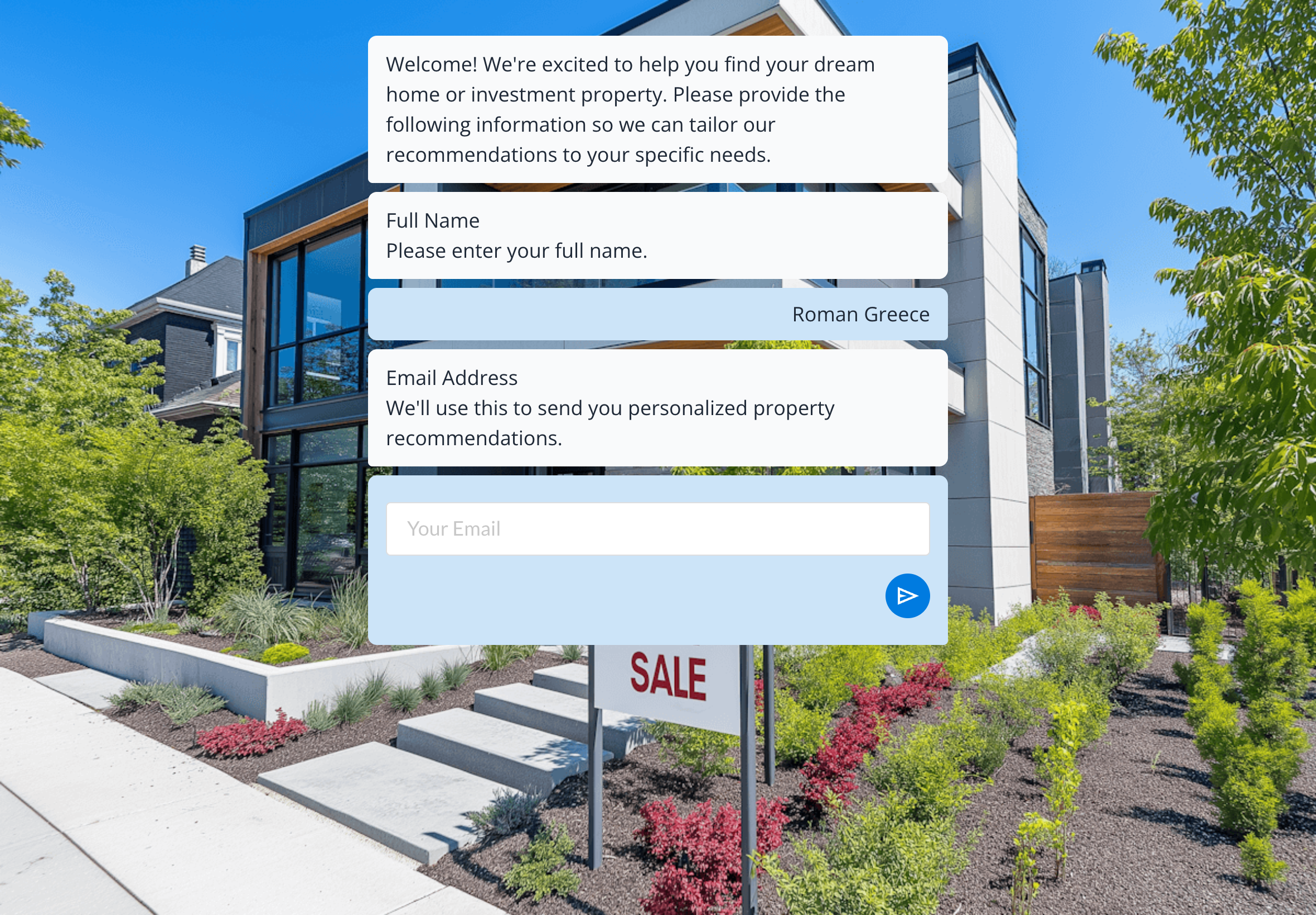
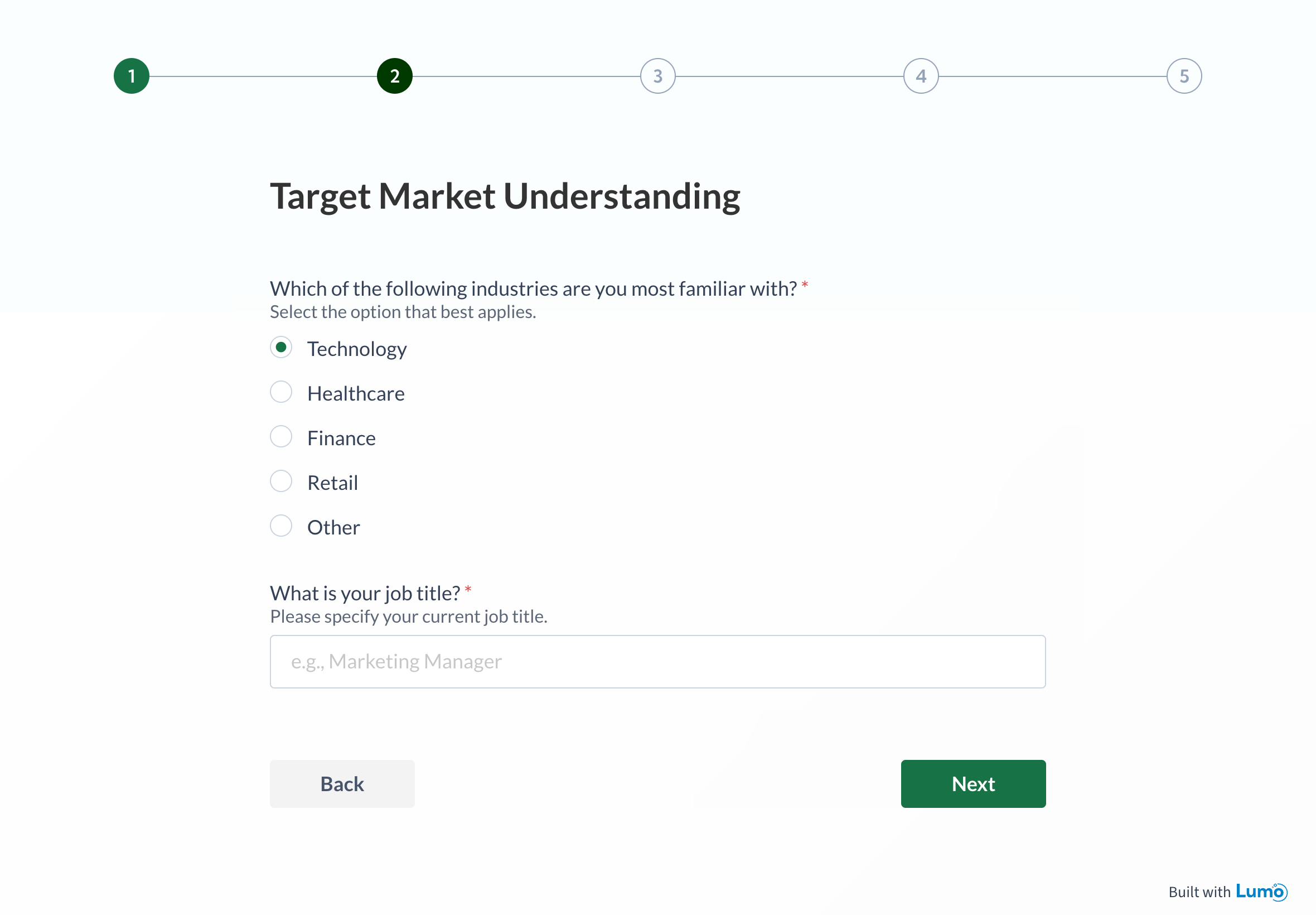
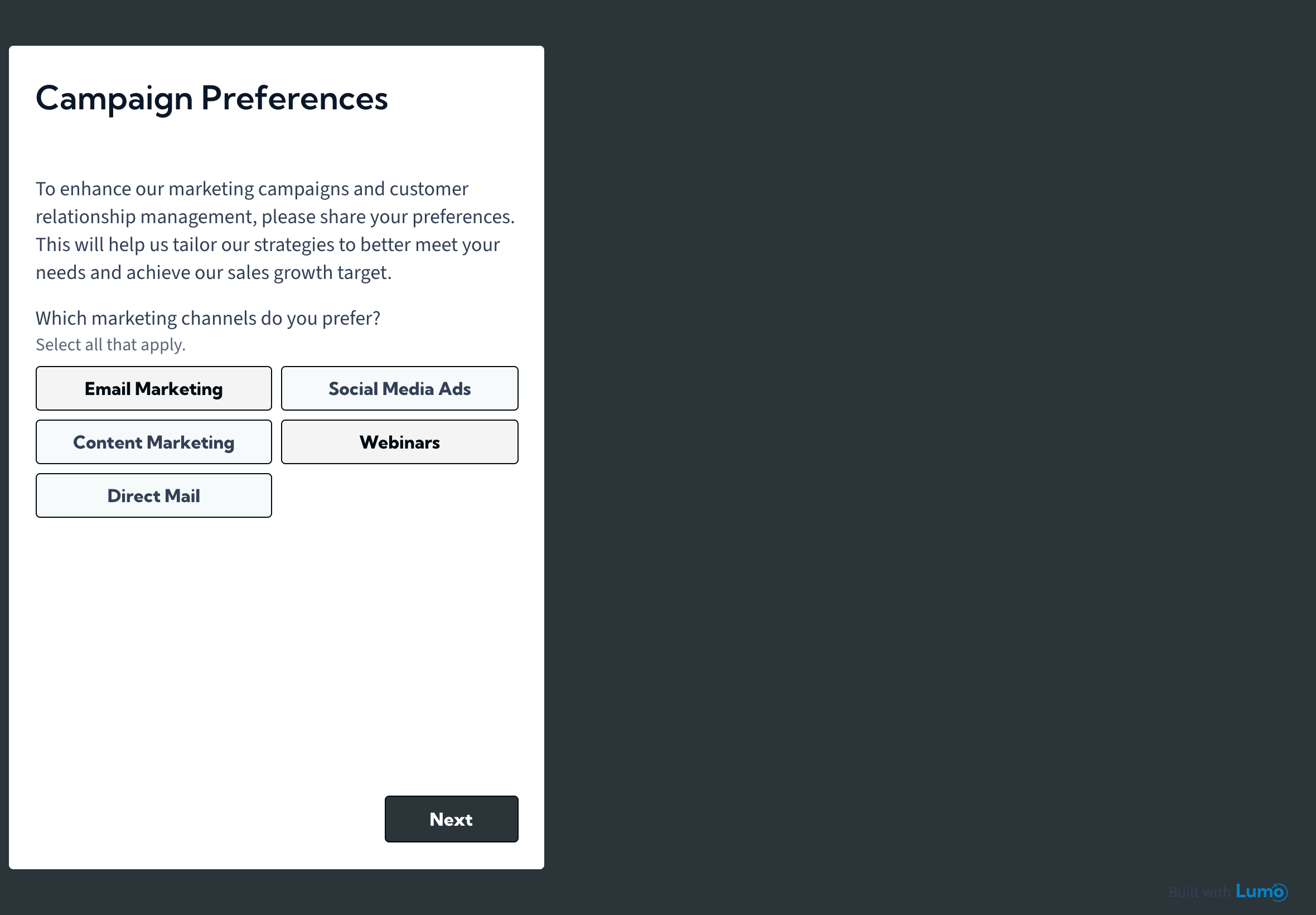
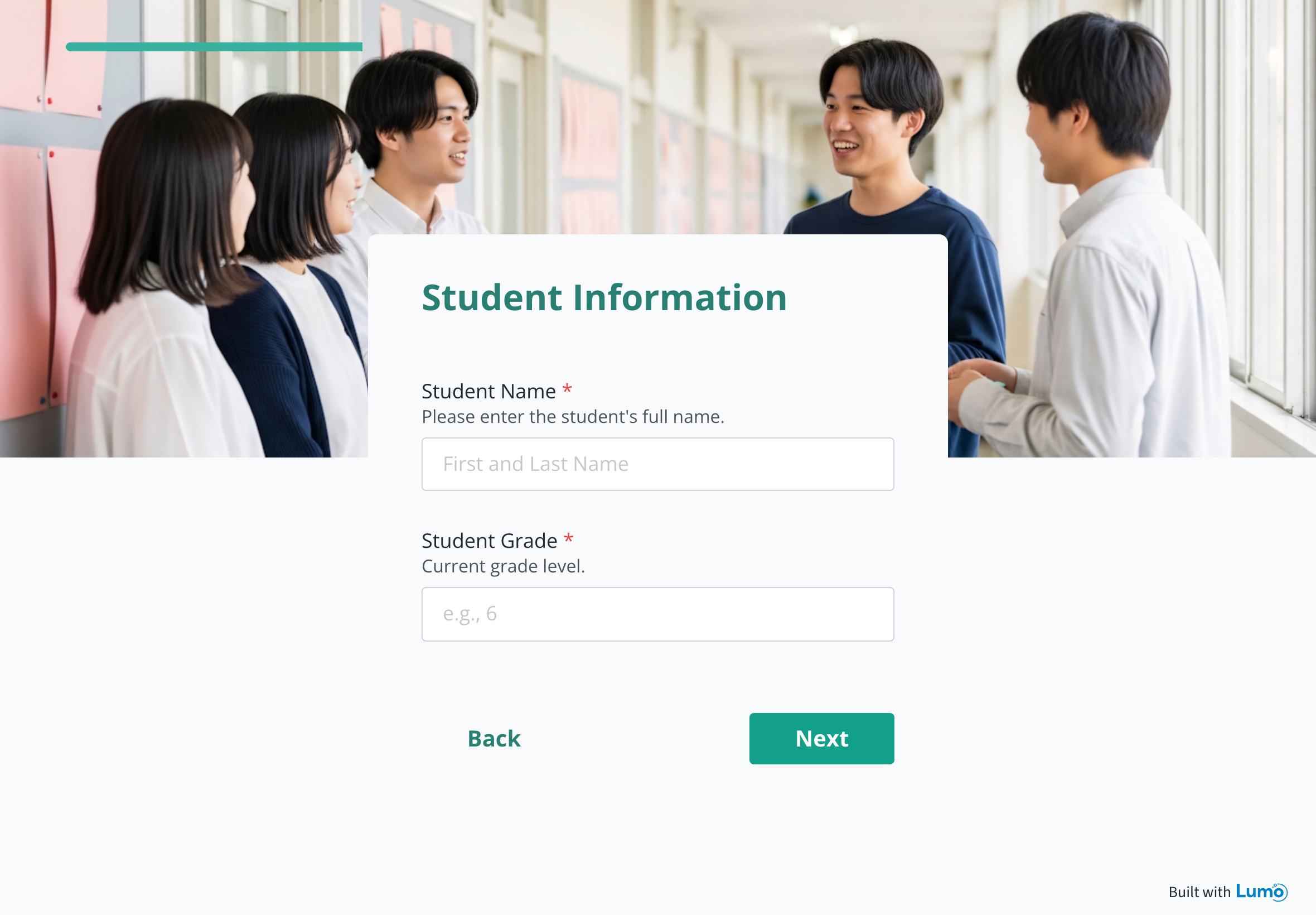
LumoPages builder with the editor on a laptop and the live mobile view of the same multi-stage flow
Showcase

See Lumo in action

Explore projects built by creators, teams, and brands. Get inspired, discover new ideas, and use the projects you love.

Browse all examples

Benefits

Collect smarter and engage better

Stop wrestling with complicated tools. Create digital pages that are simple to build and easy to use. Our platform helps you connect with your audience efficiently.

First impressions matter

Design pages that represent your brand perfectly.

Speed up your workflow

Transform ideas into functional pages quickly.

Flexible and powerful

Create any type of digital interaction you need.

Best results in seconds

Your Lumo Pages are often the first interaction point with your audience. Create Lumos that are not only visually stunning, but also optimized for the best user experience.

How it works

Create your perfect digital page

Simple steps to transform your digital interactions.

  1. AI

    Instant page generation

    Describe your needs and watch our AI build a complete page structure.

  2. Design

    Customize with ease

    Use our drag-and-drop editor to create a page that matches your vision with various pre-designed blocks.

FAQs

Get answers to common questions about LumoPages

Lumo Pages, or simply Lumo, is a platform that enables users to create high-quality, professionally designed digital forms. These forms, called “Lumos,” help users collect data, receive submissions, and interact with their audience in a structured way.
Lumo is designed for everyone, including schools (registration & student data collection), businesses (landing pages, service inquiries, feedback collection), content creators (lead generation & audience feedback), students & researchers (academic data collection), and marketers & advertisers (customer surveys & user engagement).
1. Create a new project (Lumo). 2. Add steps to structure your form. 3. Use blocks (Field Blocks for input, Content Blocks for display). 4. Customize design & settings. 5. Publish & share via link, social media, or website embedding. 6. Receive and manage form submissions.
Yes! Lumo offers a Basic (Free) Plan that includes up to 100 form submissions per month, 25MB file storage for uploads, and unlimited pages, steps, and blocks.
Our AI feature allows you to quickly generate a complete Lumo project by simply describing your needs in a few sentences. The AI automatically builds the structure, adds relevant stages, and selects required fields, giving you a professional starting point in seconds. You can then use our intuitive drag-and-drop editor to fine-tune and personalize every detail.
No, using AI is completely optional. You can choose to create a new Lumo from scratch using our intuitive drag-and-drop editor, allowing you to manually add and arrange different blocks to build your digital page. The AI is designed to simplify and accelerate the workflow for those who want to get started quickly.
Lumo Pages’ AI operates on the system’s core design and structure, ensuring that every project it generates is easy to edit and modify afterward. It doesn’t replace your creative work; instead, it provides a strong, professional starting point that leverages the platform’s existing capabilities, including design templates, blocks, and overall flexibility.
Lumo offers three pricing tiers: Basic (Free) – 100 submissions/month, 30MB storage. Premium ($20/month) – 2,000 submissions/month, 200MB storage. Pro ($40/month) – 10,000 submissions/month, 1GB storage. Annual plans: Get a 10% discount on yearly payments.
If you exceed your monthly submission limit, your Lumo will become temporarily unavailable to users. A message will be displayed to visitors stating that the form is temporarily unavailable. You can upgrade your plan to increase your submission limit. If you’re already on the Pro Plan, you can contact customer support to purchase additional submissions. Alternatively, you can wait until the next billing cycle, when your submission count resets.
Yes! If you need more storage, upgrade to the Pro Plan for 1GB of storage. If you’re already on the Pro Plan, you can purchase additional storage by contacting customer support. You can cancel additional storage anytime, but stored data will be deleted upon cancellation.
No, Lumo does not offer refunds for canceled subscriptions. However, you can downgrade to the free plan anytime and continue using Lumo with limited features. The Basic (Free) Plan allows you to experience the platform and see if it fits your needs before upgrading.
Yes! You can create unlimited steps, which function as separate sections of your form.
Yes! You can hide steps until you’re ready to publish them, duplicate steps to reuse them in another part of the form, and delete steps if they are no longer needed.
If all field blocks are removed from a public project, the project will automatically revert to draft mode and will no longer be accessible via its public link.
All form submissions are stored in your Lumo account, accessible via the Inbox page.
Yes! You can export form responses as PDF files (for individual submissions) and CSV files (for data analysis).
Yes, but only for verified emails. You’ll receive a notification each time someone submits your form.
Yes! Webhooks allow you to connect Lumo to external systems and automate workflows.
You can share your Lumo by embedding it on a website, via direct link, or on social media (Facebook, LinkedIn, WhatsApp, Telegram).
Simply copy the embed code from the form settings and paste it into your website’s HTML.
Yes! Duplicating a project lets you create a copy for further modifications.
Yes, but deletion is permanent, so export your data first.
Yes! Lumo allows you to save customized templates for future use, apply saved templates to new projects for consistency and faster form creation, and modify saved templates without affecting previously created projects.
Yes! Lumo ensures security through regular data backups, encrypted passwords, and HTTPS encryption for data transmission.
Not yet, but 2FA is coming soon for extra account security.
No, your email and username are permanent once set. However, you can update other details like your name, company, and phone number.
If you forget your password, click “Forgot Password” on the login page and follow the instructions.
Account deletion is permanent and requires email verification. Once deleted, all data is erased and cannot be recovered.
You can view and download invoices from your Account Page.
Yes! You can upgrade your plan at any time.
Downgrading may result in reduced monthly submission limits and loss of stored data if you exceed the new plan’s storage limit.
Lumo is constantly improving! Upcoming features include Image Carousel Block, File Upload Block, Advanced CSS customization, Shared accounts, and Zapier, Make, & WordPress integrations.
Lumo offers support via the Help Center with detailed guides and FAQs, and email support (1–7 day response time, priority for paid users).
Yes! Lumo is fully optimized for mobile and tablet use.

Need more help?

Our support team is ready to answer any additional questions.

Contact support

Ready to transform your digital interactions?

Start creating powerful, beautiful pages that work for you in minutes.