Build a Link-in-Bio Hub That Actually Converts with Lumo
Turn one bio link into multiple branded Lumo pages for newsletter signup, booking, and shop inquiries—without a custom backend.
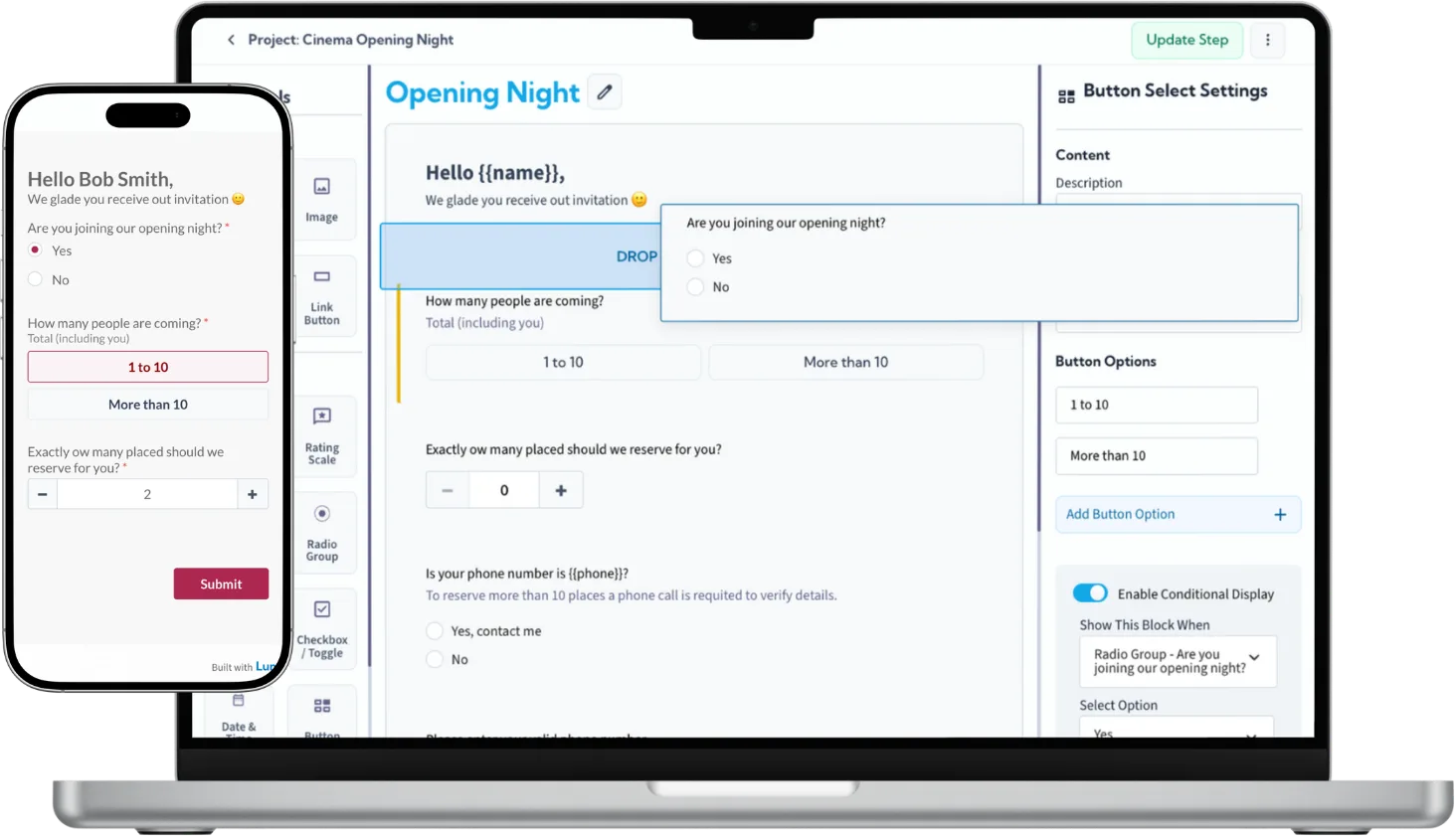
Creators and solopreneurs live on Instagram, TikTok, and LinkedIn—but one link in bio must do everything: capture emails, take bookings, sell services, promote launches. Generic link hubs list buttons; they rarely convert because each destination feels disconnected from your brand. LumoPages lets you publish multiple polished Lumos and point your hub link to the one that matches today's campaign—or rotate links seasonally.
Why this workflow works today
Audiences decide in seconds. A Lumo is a mini experience: story, visual proof, then action. That beats dumping visitors on a cold Google Form or a cluttered link page with five identical-looking buttons. Each Lumo has its own URL, analytics-friendly sharing, and Inbox—so newsletter signups never mix with coaching inquiries.
You can refresh copy and design before a launch without rebuilding your entire bio tool.
What you'll need
- Your primary bio link (Linktree, Beacons, native platform link, or simple HTML page)
- 2–4 clear conversion goals (e.g., newsletter, 1:1 call, digital product waitlist, merch inquiry)
- Brand assets: headshot, colors, short value proposition per offer
- UTM discipline if you track campaigns in analytics (append to Lumo URLs when sharing in stories)
Step-by-step: build your Lumo set
Newsletter Lumo (2 stages): Stage 1—why subscribe, what they get weekly. Stage 2—first name, email, optional interest checkbox. Keep fields minimal for mobile thumb completion.
Booking / inquiry Lumo (3 stages): Stage 1—who you help and session outcome. Stage 2—topic dropdown, availability notes, email. Stage 3—budget or timeline if you qualify leads.
Shop / collab Lumo: Product interest, quantity, shipping region, Instagram handle—structured for DM follow-up without losing details in chat.
Use consistent header imagery across Lumos so followers recognize your brand instantly. AI-assisted drafting speeds first copy; personalize voice before publishing.
Connect it to your stack
Pin your highest-priority Lumo URL as the main bio link during a launch week; swap to newsletter Lumo during evergreen periods. On a link hub, label buttons clearly: "Free guide," "Book a call," "Wholesale."
Share secondary Lumos in Stories with link stickers—each story CTA can deep-link to the right flow without changing the permanent bio link daily.
Add QR on business cards pointing to your booking Lumo for offline-to-online capture.
Manage responses without a backend
Separate Lumos mean separate Inboxes—filter and export per funnel. Weekly: export newsletter emails to your ESP via CSV; mark booking leads In Progress until calendared. No Zapier required for day one; add automation when volume grows.
When a Lumo underperforms, A/B by adjusting stage-one copy and cover image, not by rebuilding your whole site.
Start building
Your bio link is prime real estate. Give each offer a dedicated Lumo that looks and feels like your brand—not a generic form. Build the set, wire your hub, and convert attention into structured leads.